::target-text:
An easy way to style text fragments
You’re reading a great blog post. You want to share it with your friend but instead of getting them to read the whole thing, you really just want to highlight a few key sentences and have them go directly to that section of the page. That’s what text fragments are for.
As a user, you can highlight any section of text on a page and right click to make it a text fragment. In Safari, that means right clicking and selecting “Copy Link with Highlight” from the menu and getting a url that will highlight the text fragment when the page loads.
The default highlighting gives you a pale yellow highlight under the fragment text, like this:
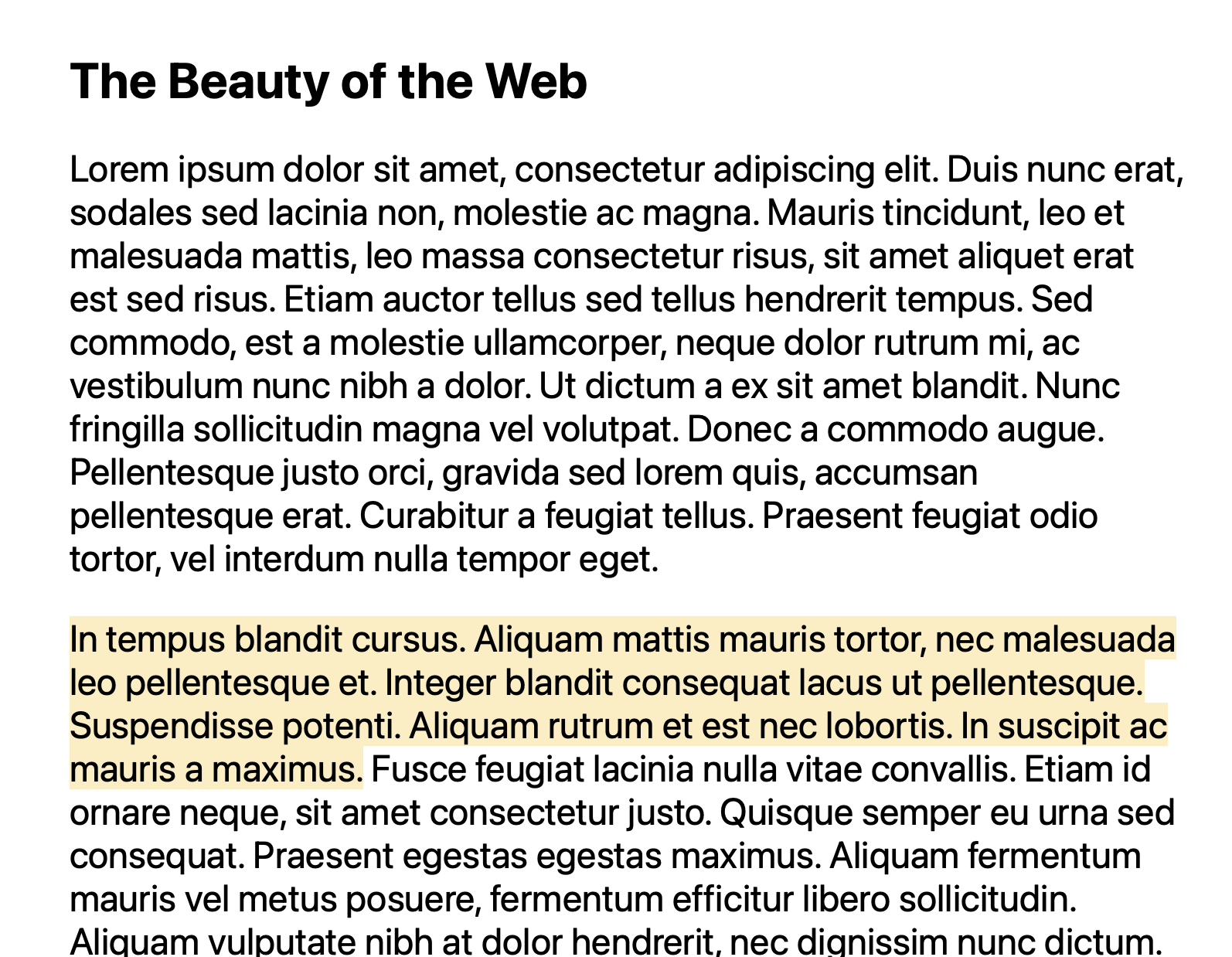
You can click on this link to see for yourself how it works.
That’s the user experience. But what about the developer experience? Is there something we developers can do to customize that experience for our users a bit more? Actually, there is! We’ll use the ::target-text pseudo-element to help us style our text fragment.
In your CSS file, use the ::target-text pseudo-element and style the text with whatever properties you wish, like this:
::target-text {
  background-color: blue;
  color: white;
}
That’ll get you this result:
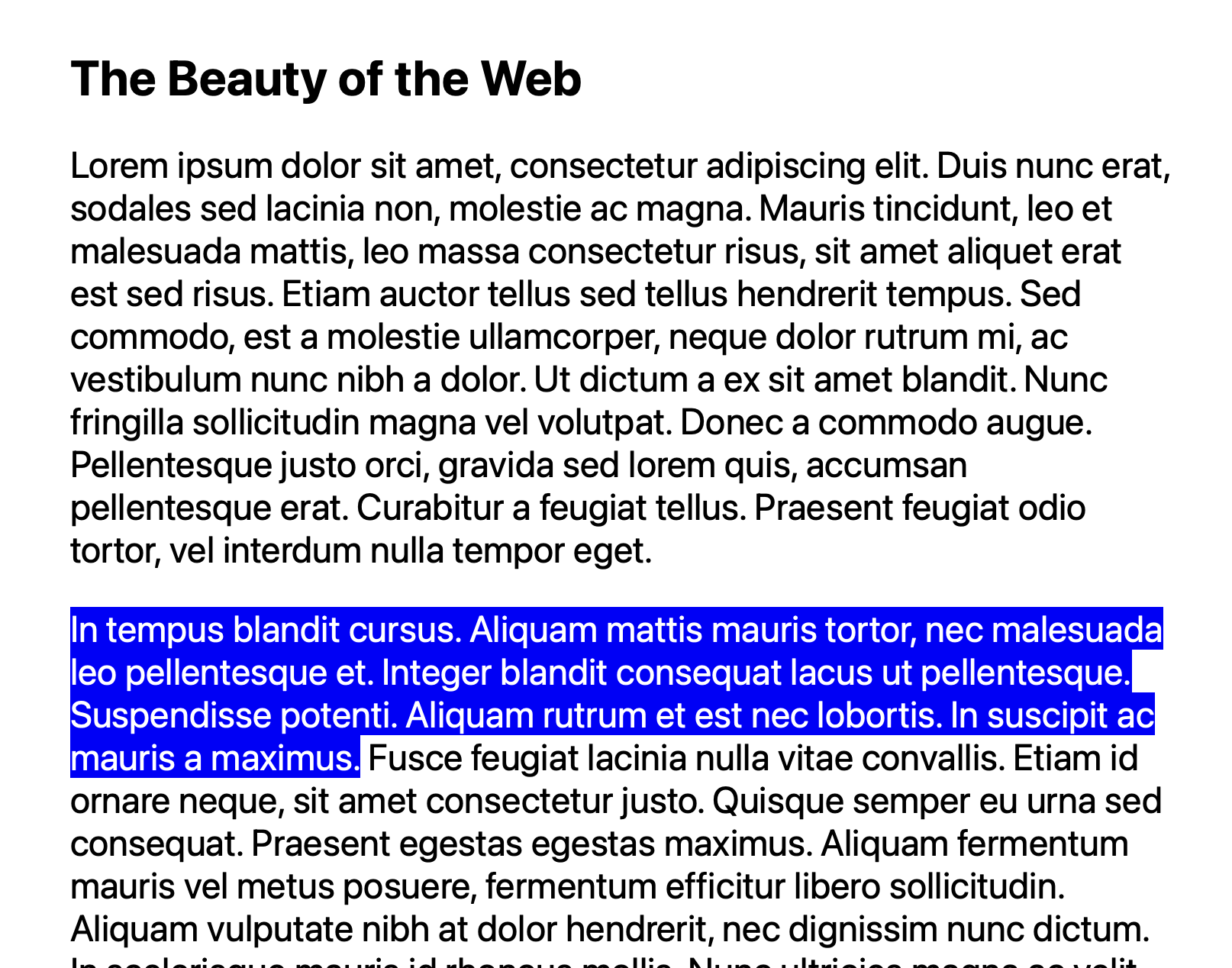
So if you want to decide how a text fragment looks to your users, take advantage of ::target-text and own the user’s text fragment experience. It’s fully supported in all browsers.
If you enjoyed this kind of bite-size content, let me know. You can reach me, Saron Yitbarek, on BlueSky, or reach out to our other evangelists — Jon Davis, on Bluesky / Mastodon, and Jen Simmons, on Bluesky / Mastodon. You can also follow WebKit on LinkedIn. If you find a bug or problem, please file a WebKit bug report.